
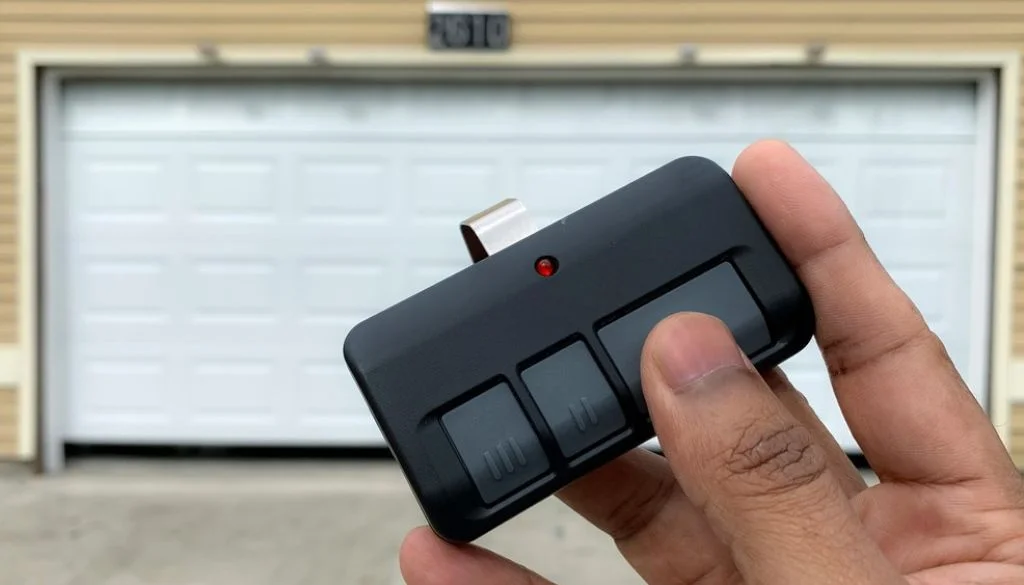
You press the button and nothing happens. Before you assume the opener has died, work through the checks below in order. They run from cheapest to most involved, and each one narrows the problem a little further.
Most dead remotes are fixed in the first two minutes. The rest tell you something useful about what actually needs repairing.
Start Here: What Is Your Remote Doing?
| Symptom | What it usually points to | Start at |
|---|---|---|
| Completely dead, no light | Battery or handset | Check 1 |
| Nothing responds at all | Opener power | Check 2 |
| Works up close only | Battery, interference or receiver | Check 3 |
| Works sometimes | Battery or interference | Check 4 |
| One remote fails, another works | Handset or programming | Check 5 |
| Wall button works, remote doesn’t | Handset or receiver | Check 7 |
Check 1: Replace the Battery
Open the handset and swap the battery for the type printed inside the compartment. Wipe the contacts if they look dull or corroded.
What the result tells you: If the door responds, you are done. If the indicator light was already bright before you changed it, the battery was never the issue and you can rule it out for good.
Check 2: Confirm the Opener Has Power
Look for the power light on the motor unit. Check the plug has not been knocked loose and the breaker has not tripped. Then press the wall control.
What the result tells you: If the wall button works, the opener is alive and healthy, and your problem is somewhere between the handset and the receiver. If nothing responds to anything, stop here — this is a power or opener fault, not a remote fault, and the remaining checks will not help.
Check 3: Test From Closer Range
Stand a few metres from the door and press the button again.
What the result tells you: If it works up close but not from the driveway, the signal is weak rather than absent. That points to a fading battery, interference, or a receiver losing sensitivity. A sudden drop in normal range is worth noting — it almost always precedes a complete failure.
Check 4: Look for Signal Interference
Think about what has changed around the garage recently. LED globes, solar inverters, Wi-Fi routers, phone boosters and security systems can all crowd the frequency your remote uses.
What the result tells you: If the remote fails in one spot but works in another, interference is very likely. If it fails everywhere equally, interference is probably not your answer and you should move on.
Check 5: Inspect the Buttons
Look closely at the handset. Cracked, sticky, sunken or worn-smooth buttons may no longer make contact inside.
What the result tells you: Visible wear is usually the end of the diagnosis. Remotes live in cup holders and pockets, and they get dropped, sat on and splashed. A worn handset is almost always cheaper to replace than to repair.
Check 6: Check the Safety Sensors
Look at the small sensors near the bottom of each track. Clear away bins, boxes and cobwebs, and check their indicator lights are steady rather than blinking.
What the result tells you: If the door opens on the remote but refuses to close, this is your answer — the fault was never the remote. The opener is doing exactly what it is designed to do when the safety beam is broken.
Check 7: Reprogram or Re-Sync
Remotes lose their pairing after power surges, storms and sometimes a battery change. Follow the instructions in your opener’s manual or on the manufacturer’s website, not generic steps found online.
What the result tells you: If reprogramming restores it, the pairing was the fault. One caution — if other remotes in the house are already working, avoid a full system reset, because it will wipe those too. Our guide on how to reset your garage door opener covers the difference.
Check 8: Test a Second Remote and the Wall Control
This is the check that tells you the most, which is why it sits last. Try a spare compatible handset, then the wall button.
What the result tells you:
- Spare remote works → your original handset is faulty.
- Neither remote works but the wall control does → the receiver is the likely fault.
- Nothing works at all → the opener or its power supply needs attention.
You’ve Done All Eight and It Still Doesn’t Work
At this point you have ruled out everything a homeowner safely can, and the fault sits inside the opener. Usually that means the receiver — the component that listens for the remote’s signal. Receivers fail with age and after power surges, and the classic sign is every remote failing while the wall control carries on normally.
Do not open electrical housings to investigate. A technician can test the receiver, the logic board and the motor properly.
It is also worth listening while the door runs. Grinding, humming, rattling or straining suggests the remote fault has been masking a mechanical problem — our article on what to do when a garage door makes a metal scraping noise explains what different sounds mean. And if the door itself sticks, judders or sits crooked, no amount of remote troubleshooting will help. Springs, cables and tracks are technician territory.
Repair the Remote, or Replace the Opener?
Once you know the fault, the decision is usually straightforward.
Repair or replace the handset when the opener is otherwise reliable, the fault is isolated to the remote or its programming, and the unit is modern enough to accept a compatible replacement. This is by far the most common outcome.
Replace the opener when remote trouble arrives alongside slow, noisy or inconsistent operation, or when the unit is roughly 10 to 15 years old. At that age you are usually treating symptoms of general wear. Our guides on how long a garage door opener lasts and garage door motor replacement signs both help you judge where yours sits.
A modern replacement brings smartphone control, battery backup for blackouts, better safety systems and much quieter running. If an upgrade is on the cards, what to consider when replacing your garage door opener is worth reading first.
FAQ
How do I know if my remote needs a new battery?
Press a button and watch the indicator light. Dim, flickering or dead means the battery. A sudden drop in operating range is the other early sign.
Can I use a universal remote instead?
Often yes, provided it matches your opener’s brand and frequency. It still has to be programmed to your unit, so check compatibility before buying.
Why does my remote work inside the car but not outside it?
That is usually a weak battery rather than the car. Vehicle glass and body panels can also weaken an already marginal signal.
How long do garage door remotes last?
Years, but not forever. Buttons wear, casings crack and internal contacts degrade, especially for handsets kept in pockets or cup holders.
Can the receiver be replaced without replacing the whole opener?
Frequently, yes. Many openers accept an external receiver, and a technician can confirm whether yours does before you consider a full replacement.
Still Stuck? We Can Help
If you have worked through all eight checks and the remote still will not respond, the problem is inside the opener and needs proper diagnosis.
Sunshine Coast Garage Door Guys is a locally run business servicing the entire Sunshine Coast, from Buderim and Sippy Downs through to Mountain Creek and Sunshine Beach. Our qualified technicians diagnose receiver and remote faults, supply and program replacement handsets, and service every major Australian brand, including Eco, Centurion and Gliderol. Every job is backed by our workmanship guarantee and a simple mentality: do it once, do it right.
Book a garage door opener repair, or ask about an opener replacement with smart control and battery backup. Call 07 5451 8776 for a free quote or same-day service.
